Can AI Truly Predict Retailer Sentiment?
By Harshit Rajput
/ April 20, 2026
The legendary Peter Drucker once said, 'The most important thing in communication is hearing what isn't said.' In the world...
Read More

Your field team is out there every single day. Visiting outlets, submitting reports, following beat plans. But here is the harder question nobody really wants to answer: do you actually...
Your field team is out there every single day. Visiting outlets, submitting reports, following beat plans. But here is the harder question nobody really wants to answer: do you actually know what is happening out there?
In most businesses managing a mobile field workforce, the honest answer is no. Attendance gets marked from locations nowhere near the actual outlet. Beat plans look clean on paper but fall apart by midday. Orders are scribbled down or sent informally and re-entered into a system hours later. A manager discovers a missed high-priority outlet on Thursday, for something that happened Monday. End-of-month reviews turn into data reconciliation marathons instead of forward-looking conversations.
Here is the thing though. This is not a people problem. It is a process problem. And field force automation exists specifically to fix it.
Field force automation (FFA) is software that connects and automates the daily operations of a mobile field team, covering everything from attendance and route planning to order booking, visit tracking, and performance reporting.
But here is what most definitions miss. FFA is not just a tracking tool.
A basic location tracker tells you where your rep is. Useful, but limited. Field force automation tells you whether the rep visited the right outlet at the right time, what was ordered and what was skipped, how the rep’s actual route compared to the planned beat, what the retailer’s full order history looks like, and how that rep’s performance stacks up against targets and peers.
That shift from tracking location to understanding execution is what makes modern FFA genuinely valuable for FMCG, pharma, CPG, and retail businesses operating at any real scale.
Before diving into features, it helps to name the real pain points that field force automation addresses. These are the issues that appear month after month in field operations across industries.
Live rep location gives managers visibility into where each team member is throughout the day. Geo-fenced attendance ensures check-ins can only be logged when a rep is physically at the designated location, which eliminates proxy markings and ghost visits entirely. Route deviation alerts notify managers immediately when someone goes off plan. Visit verification confirms outlet presence through location data, not just a rep’s log entry.
The result is field data that actually reflects what happened in the field. Imagine that.
Good route planning is not just about saving travel time. It is about making sure the right outlets get the right visit frequency based on their size, order potential, and strategic importance to your business.
With proper FFA tools, monthly journey plans are built and assigned digitally with specific routes and outlet lists for each rep each day. Route optimization sequences visits to minimize travel and maximize productive calls. Coverage reports show which outlets were visited, which were missed, and the reasons logged for any gaps.
For businesses expanding into Tier 2 and Tier 3 markets, this kind of structured beat management is what makes rural growth operationally viable rather than chaotic.
This is one of the highest-impact features in any field force automation platform. When reps capture orders through a connected mobile app, they see the live product catalog with current pricing and active scheme details. They can check a retailer’s order history before walking in. Orders sync to the distributor instantly with no manual re-entry required. Promotional schemes apply automatically, which reduces leakage and keeps everyone honest.
The difference in order accuracy and fill rates between digital mobile capture and informal capture methods is not marginal. It is significant. Fewer errors mean fewer rejected orders, fewer retailer complaints, and a much cleaner supply chain from distributor to shelf.
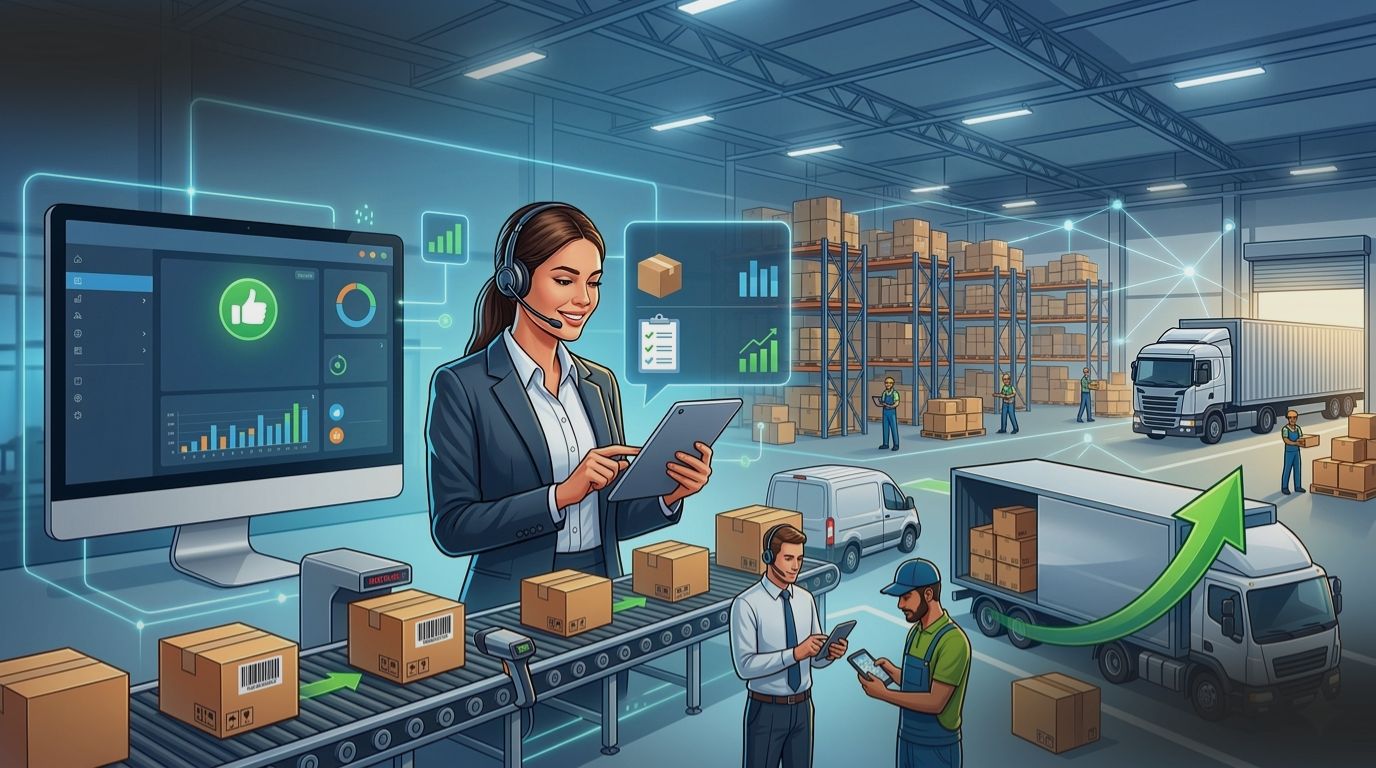
Instead of a summary report covering what happened earlier in the week, managers get a live view of outlet coverage, productive calls, beat adherence, order volumes by SKU, and target versus actual performance, all updated continuously.
This changes the manager’s role in a real way. A coverage gap spotted at 11am can be corrected that same day, not flagged in a Friday debrief after the damage is already done.
Field expense handling seems minor but consistently creates friction when done manually. With FFA, reps log travel expenses in the app as they occur, with location data automatically attached. Receipts get uploaded directly from the field. Managers review and approve through the same platform. All expense data becomes reportable without any manual compilation. No more paper forms sitting in someone’s bag for three weeks.
A field force automation platform that only works with strong internet connectivity is not a field tool. It is a liability. Reps in rural markets, Tier 3 towns, and areas with patchy coverage need to capture orders, log visits, and record attendance even when offline. Data should sync automatically once connectivity is restored, with no loss and no interruption to the rep’s day. Any serious FFA platform must handle this without any workaround.
Most FFA content focuses purely on internal operations. But there is a direct line between how your field team operates and how your retailers actually experience your brand.
Before a visit, the rep reviews the outlet’s purchase history, active schemes, pending claims, and notes from previous interactions. They walk in prepared and informed. During the visit, they can check live inventory, place accurate orders, and apply current promotions correctly the first time, giving the retailer confident answers rather than vague follow-ups. After the visit, the order is already processed and logged. The retailer does not need to chase anyone for confirmation.
Over time, this kind of consistent, informed service builds the retailer trust that converts into genuine preference for your brand over a competitor’s. That is not a soft benefit. It shows up in your numbers.
Field force automation is not a single-sector solution, but the priorities differ meaningfully by industry.
Finding the right field force automation isn’t just about comparing spec sheets; it’s about making sure the people on the ground actually want to use it. If the tech is a headache, your team will find workarounds, and you’ll lose the data you need.
Here is a practical checklist to help you cut through the noise:
First, define the problem you are actually trying to solve. Beat adherence? Order accuracy? Distributor visibility? Real-time reporting? Know your top pain points before evaluating any platform, so you are comparing solutions against your actual needs and not a generic feature list.
Second, ask for a use-case-specific demo. A generic product walkthrough will not tell you whether a platform can handle your distribution model, your team size, or your industry’s specific requirements. Ask to see the platform solving a problem that looks like your problem.
Third, involve your field team early. The reps who use the app every day need to find it genuinely usable. Poor adoption kills even the best FFA implementation. Choose a platform with a rep-first interface and plan for proper onboarding rather than a one-time training session that everyone forgets within a week.
Field force automation is not about surveillance. It is not about adding another reporting burden to your field team. Done right, it makes your reps more effective, your managers more proactive, and your retail execution more consistent across every outlet, every day.
The businesses that get the most from FFA are the ones that stop treating field activity and distribution management as separate problems. They are the same problem: how do you make sure your product reaches the right shelf, at the right time, with the right service behind it? A well-implemented field force automation platform is the operational foundation that makes that possible, at any scale.
GPS tracking simply identifies a location. Field force automation (FFA) provides a comprehensive look at the entire operation. It tracks which outlets were visited, what orders were captured, how performance aligns with the daily beat plan, and how those orders move through the distribution chain. It is a complete operational system rather than just a location tool.
Most businesses can go live within four to eight weeks, depending on team size and integration needs. The most critical factor for success is adoption, which relies on a well-structured onboarding process and a user-friendly mobile interface for the team on the ground.
No. FFA is designed to empower reps, not replace them. By removing the administrative burden of manual reporting, reps can focus on building relationships and selling. The platform provides the data needed to make those field interactions more informed and productive.
Modern FFA platforms are built with offline-first capabilities. Reps can log visits, capture orders, and update activities without a connection. All data syncs automatically once they return to an area with service, ensuring that rural and Tier 2 market coverage remains seamless.
Yes. Professional FFA systems are designed to integrate with major ERP and accounting platforms. During setup, data requirements are mapped to ensure that field and distributor information flows cleanly into your existing back-office systems without manual entry.
To see the impact, monitor these key metrics before and after implementation:
Most organizations see measurable improvements across these KPIs within three to six months of consistent use.
Stop relying on outdated reports and manual tracking. Identify your top three execution hurdles and see how real-time visibility can transform your results.
 Channel Management
Distributor Management System
Field Force Management
Growth Strategies
Industry Insights
Inventory & Visibility
Market Intelligence (RTM Strategy)
Performance Analytics
Predictive Analytics
Retail Execution
Sales Force Automation
Secondary Sales & Order Booking
Specialized Sales Roles
Tech & AI
Channel Management
Distributor Management System
Field Force Management
Growth Strategies
Industry Insights
Inventory & Visibility
Market Intelligence (RTM Strategy)
Performance Analytics
Predictive Analytics
Retail Execution
Sales Force Automation
Secondary Sales & Order Booking
Specialized Sales Roles
Tech & AI
Get notified about the next update