What Does a Sales Force Tracker Actually Do? A Field-Level Breakdown

There is a specific moment most sales managers know well. It is the end of the month. You are pulling together numbers from scattered chat messages, Excel sheets your reps...

There is a specific moment most sales managers know well.

It is the end of the month. You are pulling together numbers from scattered chat messages, Excel sheets your reps forwarded, and a couple of calls to distributors to double-check what actually moved. By the time the picture is clear, the month is already over, and so is any chance to do something about it.

A sales force tracker is built to prevent exactly that. Before evaluating tools, it helps to understand how modern Sales Force Automation addresses real-world field hurdles. Not the brochure version. The day-to-day reality.

Tracking vs. Managing: They Are Not the Same Thing

Most people assume a sales force tracker is just GPS monitoring – a way to see where your reps are during work hours. That is one small piece of it. The actual function goes much deeper.

A sales force tracker connects three things that are usually scattered across different places:

  • What your reps are doing – visits, orders placed, calls made, attendance
  • What is happening at the market level – outlet data, stock positions, secondary sales visibility.
  • What is being decided at the top – targets, beat plans, scheme rollouts

When these three live in different places- one in a spreadsheet, one in a manager’s head, and another in disjointed message threads- there is always a lag between what is actually happening and what leadership sees. A tracker closes that lag. That is the core value, and everything else flows from it.

What a Field Rep’s Day Actually Looks Like With One

Here is how a typical day goes for a field sales rep when a tracker is properly in use.

  • Morning: The rep opens the app and checks the beat plan for the day. Which outlets to visit, in what order, which SKUs to focus on, which schemes are active. No need to remember everything or call the manager for a brief.
  • At the outlet: The rep marks the visit, which is geo-tagged and time-stamped automatically. They fill in a visit form – shelf share, competitor products spotted, any issues – and place an order directly from the app. The order reaches the distributor or backend in real time.
  • Through the day: Attendance is logged when visits are marked. Expenses are entered as they happen, not reconstructed at month-end from faded memory and lost receipts.
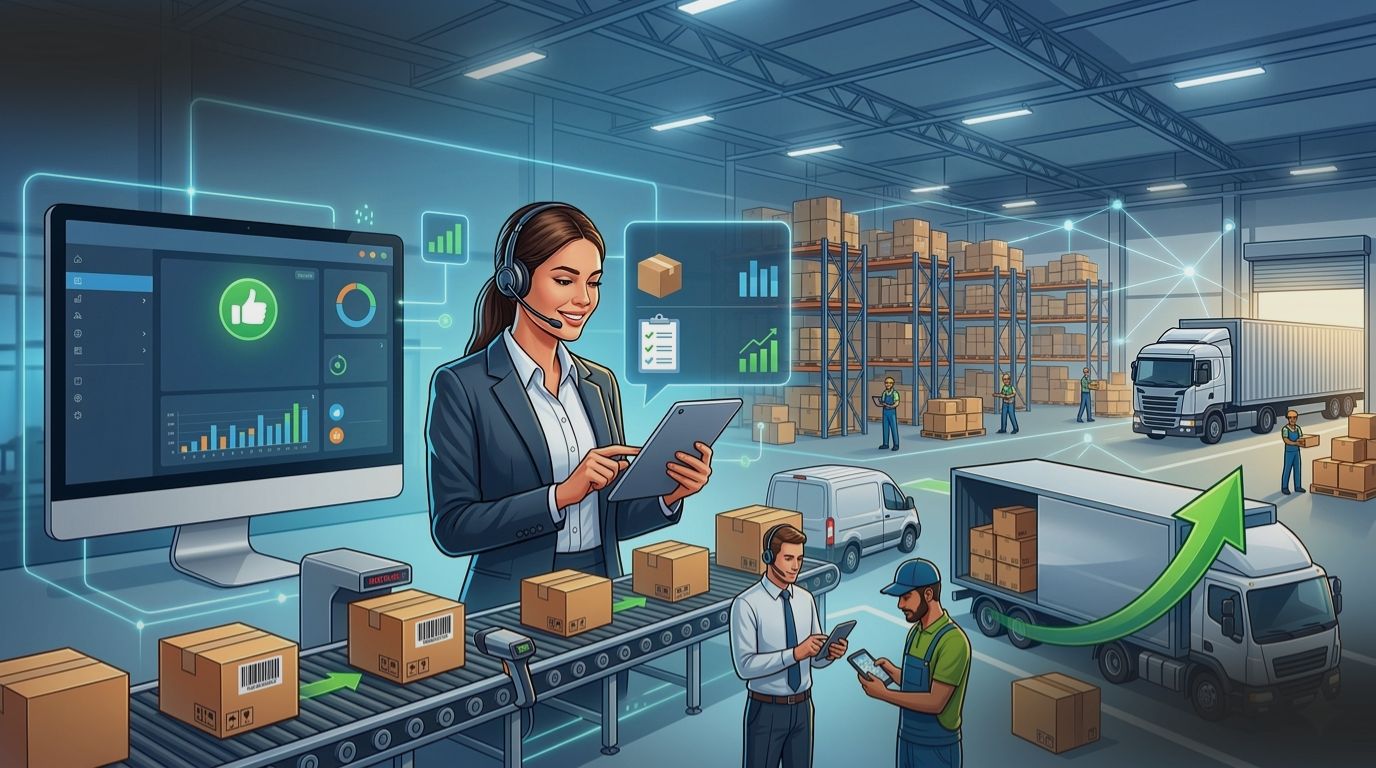
  • By evening: The manager can already see productive calls, orders placed, and outlet coverage across the entire team. No report filing. No follow-up calls.

For FMCG companies managing 50 to 500 field reps across multiple states, this kind of real-time ground-level visibility is not a luxury. It is the operational baseline that makes scale workable.

What Changes for Sales Managers

The rep-level activity only matters if it changes what managers can actually do. Here is what shifts on the management side.

  • Beat compliance in real time. Instead of finding out on Friday that a Monday beat was skipped, the manager sees it the same day and can respond.
  • Productive calls, not just total calls. There is a meaningful difference between “the rep visited 15 outlets” and “the rep generated orders at 9 of them.” Trackers that surface this distinction help managers coach more precisely and set better expectations.
  • Target visibility without chasing. Daily, weekly, and monthly targets sit alongside actual performance in the same view. Managers do not need to ask. They can already see who is behind, by how much, and where in the territory it is happening.
  • Secondary sales data from the field. In FMCG, the gap between primary sales (what you ship to distributors) and secondary sales (what actually moves to retailers) is where most forecasting errors hide. A tracker that captures secondary data from the field closes this gap, shifting your strategy toward proactive field workflows rather than just reactive reporting.

Before You Evaluate Tools, Ask These Questions

Not every business needs a sales force tracker right now. Being honest about where the real friction is will save time and money.

  • Is your problem data collection or data quality? If reps are already sending reports but you do not trust the numbers, the issue is not volume of data. It is structure. A tracker helps because it captures data at the point of action, not reconstructed hours or days later.
  • How many reps are you managing, across how many geographies? For a team of 10 in one city, a well-run spreadsheet process can hold up. For 30 reps or more spread across regions, manual coordination has almost certainly become the bottleneck.
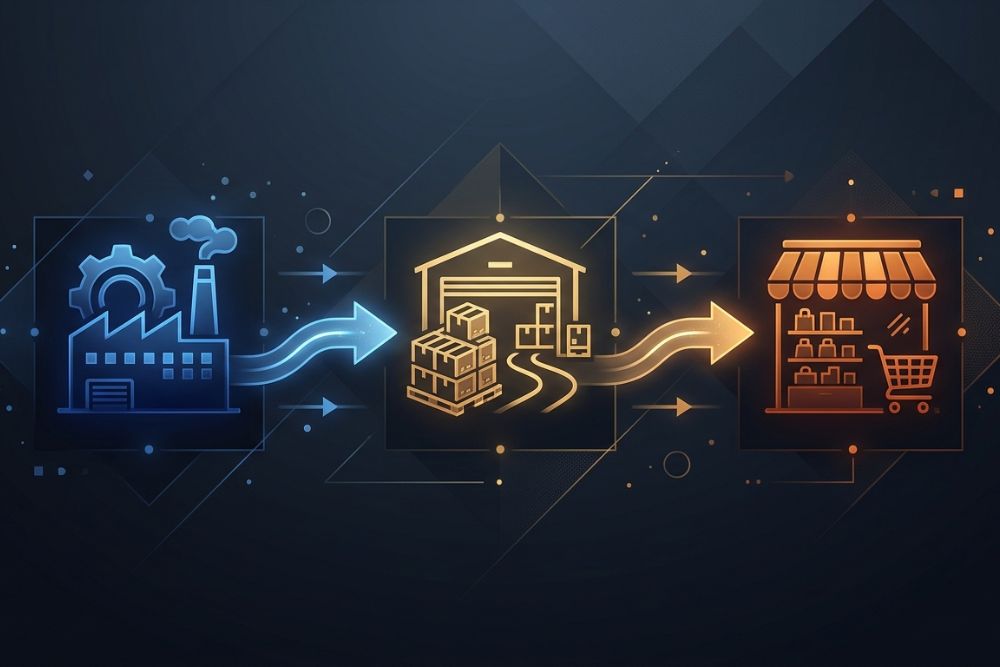
  • What does your distribution structure look like? Companies running multi-tier distribution – company to distributor to sub-distributor to retailer – benefit disproportionately because visibility drops at every handoff. A tracker that captures secondary and tertiary movement is especially valuable here.
  • Are you planning to grow in the next 12 months? Implementing a tracker at 40 reps costs far less, in time and disruption, than doing it at 200. Fewer habits to change, less legacy data to sort through. If growth is on the horizon, earlier adoption pays off more cleanly.

Thinking about implementing a sales force tracker for your field team?

See how MAssist works for FMCG and distribution companies before you decide.

Talk to the MAssist team

The Mistakes That Make Good Tools Fail

Even the right tool will underperform if it is introduced the wrong way. These are the most common mistakes.

  • Framing it as surveillance. When reps feel like the tracker only exists to catch them doing something wrong, compliance drops and resentment builds. The tools that stick are the ones that genuinely make the rep’s job easier – faster order booking, automatic expense tracking, clear daily targets. When the tool helps the rep, adoption takes care of itself.
  • Not connecting it to how performance is rewarded. If the data the tracker captures has no relationship to incentives, recognition, or bonuses, reps disengage quickly. When targets and rewards are visible inside the same app, behaviour follows.
  • Skipping proper beat plan setup. A tracker without a well-structured beat plan is a GPS without a map. The quality of your outlet master data and beat structure determines most of the value you will eventually get out of the system. This setup work is not glamorous but it is foundational.
  • Expecting insights from day one. The first month of data is mostly useful for catching gaps in the setup. Trend analysis and meaningful pattern recognition typically start from month two. Setting that expectation internally prevents early disappointment from derailing the rollout.

What Separates Good Implementations from Ones That Stall

Companies that get genuine results from a sales force tracker tend to share one thing. They treat it as a change management project, not just a software purchase.

That means involving field managers in the rollout, not just the IT or operations team. It means training that starts with “here is how this makes your day easier” before getting into how the software works. And it means having someone internally accountable for data quality in the first 60 days, because clean data at the start compounds into reliable insight later.

The technology side is relatively straightforward. The organisational adoption is where most implementations either succeed or quietly fade out.

What to Look For When You Compare Options

When evaluating sales force trackers, these are the factors that matter most in a field sales context.

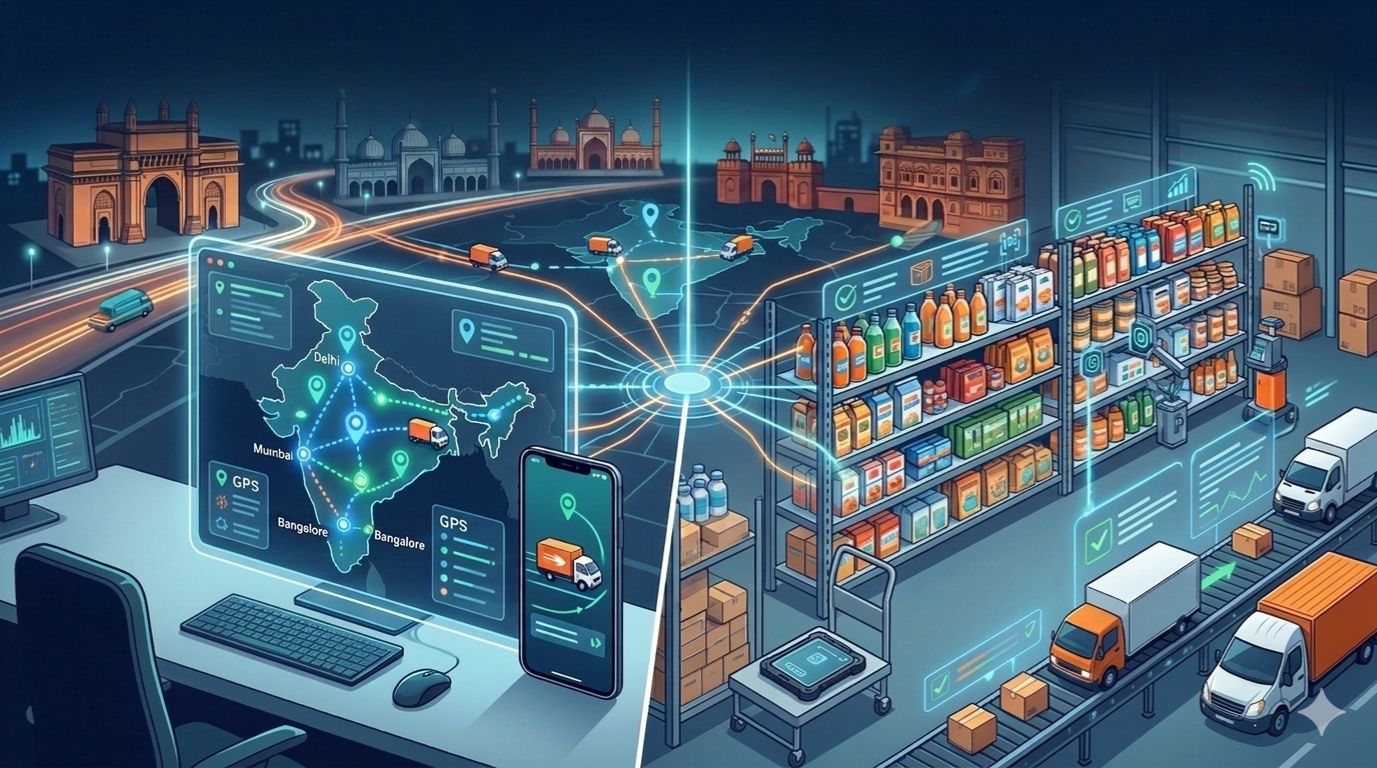
  • Offline functionality. Field reps in India regularly work in areas with poor connectivity. The tracker must prioritize offline synchronization to ensure that reps in rural or Tier 2 markets can work without interruption. This is non-negotiable for field-heavy businesses.
  • Order management built in. A separate order app and a separate tracking app means double entry and two sets of errors. The visit, the order, and the attendance record should all happen in one place.
  • Hierarchy-based data access. Territory managers should see their territory. Regional heads should see their region. National heads should see everything. This is not a nice-to-have. It is the structure that makes the data usable at each level.
  • Secondary sales capture. For anyone in FMCG distribution, visibility into secondary sales is table stakes. If the tracker only captures primary data, half the picture is still missing.
  • Configurability. Your beat structure, SKU catalogue, schemes, and outlet categories are specific to your business. A tracker that forces you into a rigid generic setup will always be a partial fit, and the workarounds will cost you more than they should.

The Honest Summary

A sales force tracker does not change what your field team does every day. It changes what you can see, how quickly you can see it, and therefore how fast you can actually respond.

For businesses managing distributed field teams across layered distribution networks, closing that visibility gap is not a small operational improvement. It is the difference between running the business on month-old data and knowing what is actually happening today.

If your team is growing, your distribution is complex, or your month-end reporting takes days and still leaves you uncertain about the numbers, a sales force tracker is worth evaluating seriously.

Ready to see what this looks like in practice?

MAssist works with FMCG and consumer goods companies managing field teams across India. If you want to understand whether a structured rollout makes sense for your distribution model, the team is happy to walk you through it.

Get in touch with MAssist

Leave a Reply

Your email address will not be published. Required fields are marked *

Recent Articles